

Key takeaways
- Most Australian AEC firms should stage adoption rather than introduce depth too early.
- Revit supports coordinated BIM delivery, while Tekla Structures supports deeper structural detail.
- Use Revit when the structure stays in shared design, and use Tekla when the detail becomes the source of truth.
The shift happens when the review moves from coordination to detail verification.
Revit and Tekla Structures fit different points in a structural workflow, which is why the better choice depends on where your team carries model authority, drawing risk, and downstream responsibility.
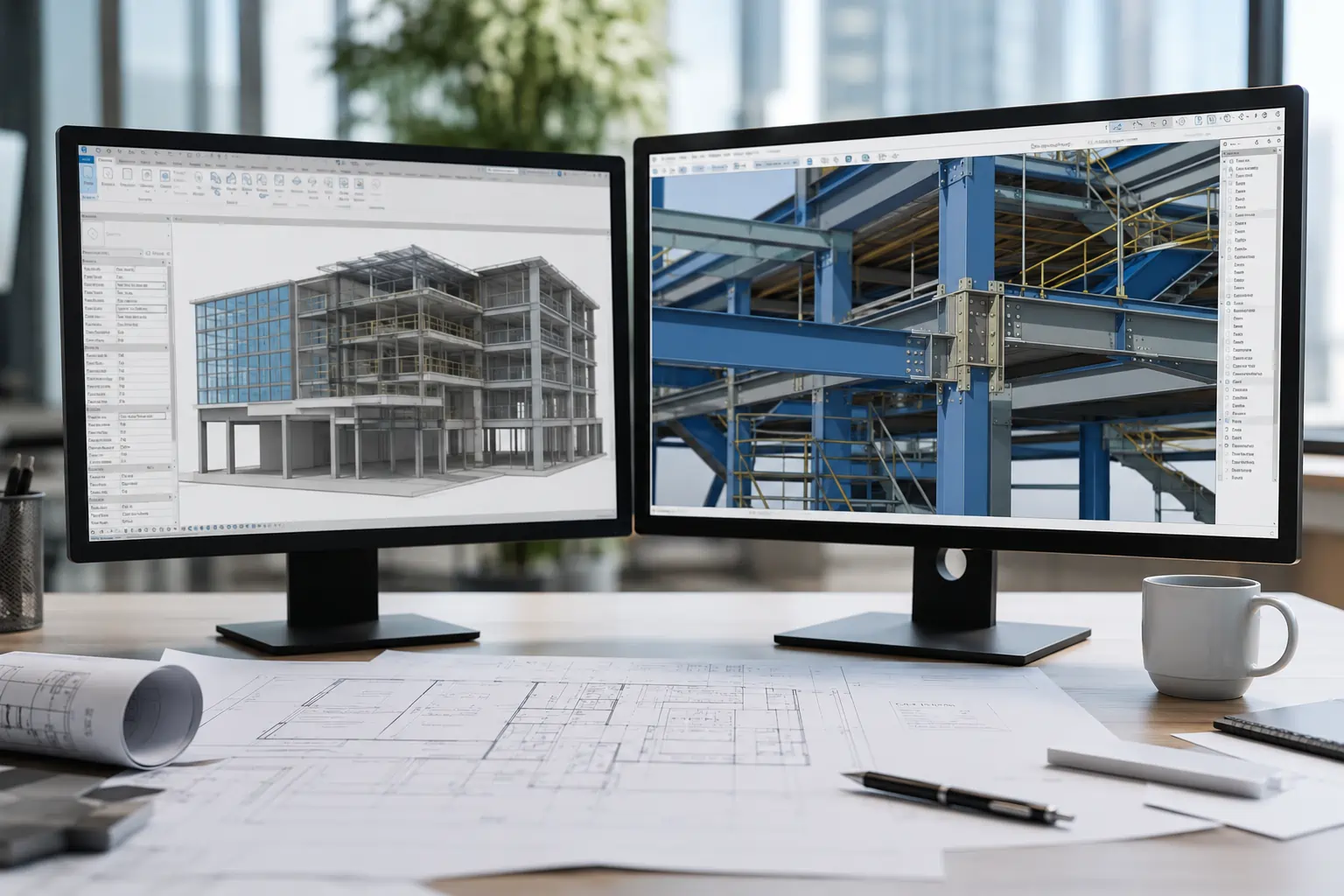
Revit is broader BIM software for multidisciplinary design, documentation, and coordination. Tekla Structures is narrower, but deeper, when the structural model has to hold constructible detail and production-ready information.
But, which system can still keep structural information reliable when coordination, checking, and issue timing begin to collide? This article compares Revit and Tekla Structures through that lens.
Key Differences Between Revit and Tekla Structures
The key difference between Revit and Tekla Structures is where the structural model must stay dependable, which shows up in purpose, model depth, learning curve, and licensing. The sections below break down how each platform diverges in real workflow terms.
Core Purpose and Use Cases
Revit is built for multidisciplinary building delivery, while Tekla Structures is built for structural models that must remain dependable at deeper detail.
Revit keeps structure aligned with architecture, services, and drawings in a shared project environment. Tekla Structures pushes the structural model closer to constructible detail, fabrication logic, and production-ready outputs.
In practice, Revit suits coordinated design and documentation workflows, while Tekla Structures suits environments where structural information must carry greater authority through assemblies, reinforcement, member detail, and package-level certainty.
BIM Capabilities and Level of Detail
Revit offers broader BIM capabilities at a coordinated design level, while Tekla Structures supports a deeper level of detail for constructible and production-oriented structural modelling.
Revit is stronger when structure mainly needs to align with architecture, services, and documentation. Tekla becomes stronger when assemblies, reinforcement, and member-level definition must remain dependable through revisions.
Revit’s depth is usually sufficient while the model serves shared design and documentation. Tekla Structures becomes more relevant once structural detail itself must be trusted downstream, where review shifts from coordination checking to detail verification.
Ease of Use and Learning Curve
Revit is generally easier to use and adopt in multidisciplinary teams, while Tekla Structures comes with a steeper learning curve due to deeper structural precision and detailing workflows.
Revit is easier to introduce where the wider team already works in Autodesk-led workflows. Users are learning a platform that already sits close to how drawings, models, and coordination are managed across the project.
That tends to reduce disruption in a 20- to 50-person firm, where training costs include both software learning and a temporary slowdown in review and issue workflows.
Tekla Structures usually need a more deliberate learning investment because the workflow demands greater precision from the user. That trade makes sense when the model genuinely needs that depth, but it becomes wasteful when the role does not yet carry the responsibility to justify it..
Pricing and Licensing Comparison
Revit uses fixed subscription pricing with broad-seat licensing, while Tekla Structures uses tiered pricing aligned to structural role depth, or check the table below.
| Licensing Area | Revit | Tekla Structures |
| Pricing model | Fixed subscription per user | Tiered subscription by capability |
| Pricing transparency | Public monthly / annual pricing | Quote-based by plan tier |
| Licence tiers | Single full-feature product | Carbon, Graphite, Diamond |
| Deployment style | Broad across disciplines | Narrow by structural role |
| Entry cost logic | Easier for full-team adoption | Lower entry with limited tiers |
| High-end cost logic | Same price regardless of depth | Higher tiers for detailing and production |
| Best fit | Multidiscipline BIM teams | Structural teams with varied depth |
So, Tekla Structures licensing is role-based:
- Carbon supports viewing and basic collaboration
- Graphite supports modelling and design documentation
- Diamond includes full detailing and production-level workflows.
Meanwhile, Revit shows clear monthly and annual costs:
- Revit monthly subscription: A$565 per user per month
- Revit annual subscription: A$4,495 per user per year
For better comparison, you can buy Revit license through Interscale to align seat deployment with structural modelling depth and coordination needs, with financing options available to spread adoption costs over time..
Feature Comparison: Revit vs Tekla Structures
Revit is broader across multidisciplinary design, documentation, and coordination features, while Tekla Structures is deeper in structural detailing, constructible modelling, and production-oriented outputs. Let’s see what it means in table feature comparison.
| Feature area | Revit | Tekla Structures |
| Primary modelling scope | Multidiscipline building modelling | Structural modelling with deeper constructible detail |
| Structural detailing depth | Capable for structural documentation | Stronger for member-level, assembly, and production detail |
| Rebar and reinforcement workflows | Supported | Deeper and more central to workflow |
| Steel and connection modelling | Supported within broader BIM workflow | Stronger where detailed structural control is required |
| Documentation focus | Broad drawing and documentation environment | Structural drawing and output precision |
| Coordination context | Whole-project coordination across disciplines | Structural package coordination and detail integrity |
| Model role downstream | Design and documentation control | Detail, production, and downstream structural control |
| Typical deployment | Shared across architecture, structure, and services | Focused on structural users with deeper modelling responsibility |
Revit vs Tekla Structures for structural engineering
For structural engineering, Revit fits coordinated design inside a shared building model, while Tekla Structures fits workflows where structural detail must remain dependable through constructible and production-level outputs.
| Structural engineering factor | Revit | Tekla Structures |
| Primary structural role | Structural design integrated with the broader building model | Structural modelling with deeper constructible and production intent |
| Model authority | Supports coordination, analysis alignment, and drawing issue across disciplines | Holds greater authority over detailed structural definition and downstream outputs |
| Detail burden | Suits design-stage structural information and coordinated documentation | Suits finer member information, reinforcement, assemblies, and production-ready detail |
| Review focus | Coordination accuracy, drawing consistency, and revision control | Detail verification, output reliability, and constructible completeness |
| Package logic | Strong where structure is issued as part of broader tender or construction documentation | Strong where structural information must stay dependable beyond general documentation |
| Risk point | Breaks down when deeper structural detail must be checked outside the broader project model | Becomes harder to justify when the workflow does not actually require deeper structural control |
| Better fit | Consultant-led structural delivery inside a shared BIM environment | Structural teams carrying greater responsibility for detail certainty |
Revit is usually the better fit when structure is coordinated inside a shared building model. The priority is alignment with architecture, services, drawings, and staged package issue.
Tekla Structures become stronger once structural detail itself must remain dependable. The model shifts from coordination support to structural source of truth.
Collaboration and BIM coordination
Revit is stronger for whole-project BIM coordination, while Tekla Structures is stronger for maintaining structural package integrity during collaboration.
Revit keeps multidisciplinary modelling, drawing production, and review activity closer together. That reduces handoff friction when decisions move between BIM leads, discipline leads, project managers, and document controllers.
As those decisions move across roles, coordination context often fragments across multiple channels:
- Live coordination meetings
- Teams or chat comments
- Marked-up PDFs
- Issue trackers
- Email threads
A broader platform helps when the goal is to pull those decisions back toward a current model and current drawings rather than reconstruct them later.
Tekla also supports collaboration, but its strongest value sits inside structural package integrity. This becomes important when late revisions, parallel comments, or partial updates start conflicting across the stack.
Performance and Model Handling
Revit and Tekla Structures create different model-handling pressure because Revit carries broader project coordination load, while Tekla carries deeper structural information load.
Revit carries the burden of a broader building model with views, sheets, links, and multidisciplinary references attached. Tekla carries the burden of deeper structural information. Each burden creates a different type of strain. Once model handling slows, the first operational signs usually appear in familiar ways:
- Checks get shortened
- Updates are delayed
- Model review separates from drawing issue
- Teams keep moving with partial confidence
At that point, performance starts to affect delivery confidence because the model, the drawings, and the latest decisions no longer move at the same pace.
And if you have hybrid office and remote work patterns, this also ties back to hardware planning, file-hosting choices, and which roles genuinely need heavy model access daily.
Pros and cons of Revit
Revit is strongest for coordinated structural design, but becomes less suitable when deeper constructible detail must carry greater authority. Here are the key pros and cons.
Pros of Revit
- Supports structural design inside a broader building model
- Keeps drawings, models, and consultant coordination aligned
- Reduces need for a separate structural detailing platform
- Fits multidisciplinary delivery environments
Cons of Revit
- Less suited when structural detail must hold downstream authority
- Can become limiting for production-level structural definition
Pros and Cons of Tekla Structures
Tekla Structures is strongest for deeper structural detailing and production-level modelling, but becomes harder to justify when that level of detail is not consistently required. Here are the key pros and cons.
Pros of Tekla
- Supports deeper structural detailing and constructible modelling
- Keeps member-level and reinforcement information dependable
- Stronger for production-oriented structural outputs
- Fits teams carrying greater structural detail authority
Cons of Tekla
- Harder to justify if structural detail responsibility is limited
- Introduces additional training and workflow complexity
- Can increase licence and coordination overhead for smaller teams
Which One Should You Choose?
Choose Revit for coordinated structural delivery inside a shared building model, and choose Tekla Structures when structural detail must remain dependable through constructible and production-level outputs. Let’s break down.
Choose Revit when:
- Structure must align closely with architecture and services
- Drawings and coordination share the same working environment
- Multidisciplinary BIM coordination is the priority
- Structural detail remains at the design and documentation level
Choose Tekla Structures when:
- Structural detail must remain dependable downstream
- Assemblies, reinforcement, and member definition carry more weight
- Structural model acts as a source of truth
- Output certainty matters more than coordination convenience
If the decision still feels unclear, map the release chain instead of comparing more features:
- Who updates the structural model
- Who checks it
- Who signs off the issue
- Who absorbs risk when the package is wrong
That sequence usually reveals the better software decision faster than another round of generic comparison points.
For better decisions, book a free discovery session with an Interscale software licence expert to map seats against structural roles before committing to either platform.
Conclusion
Revit and Tekla Structures often sit in the same shortlist, but they address different delivery responsibilities.
For Australian AEC firms, we believe the practical decision is to match the tool to where responsibility already sits. So, please choose broader coordination when structure remains part of shared design delivery. Move to deeper structural detail only when downstream outputs depend on that precision.
That is why a staged rollout often makes more sense than introducing specialist structural depth before the delivery model consistently requires it.


