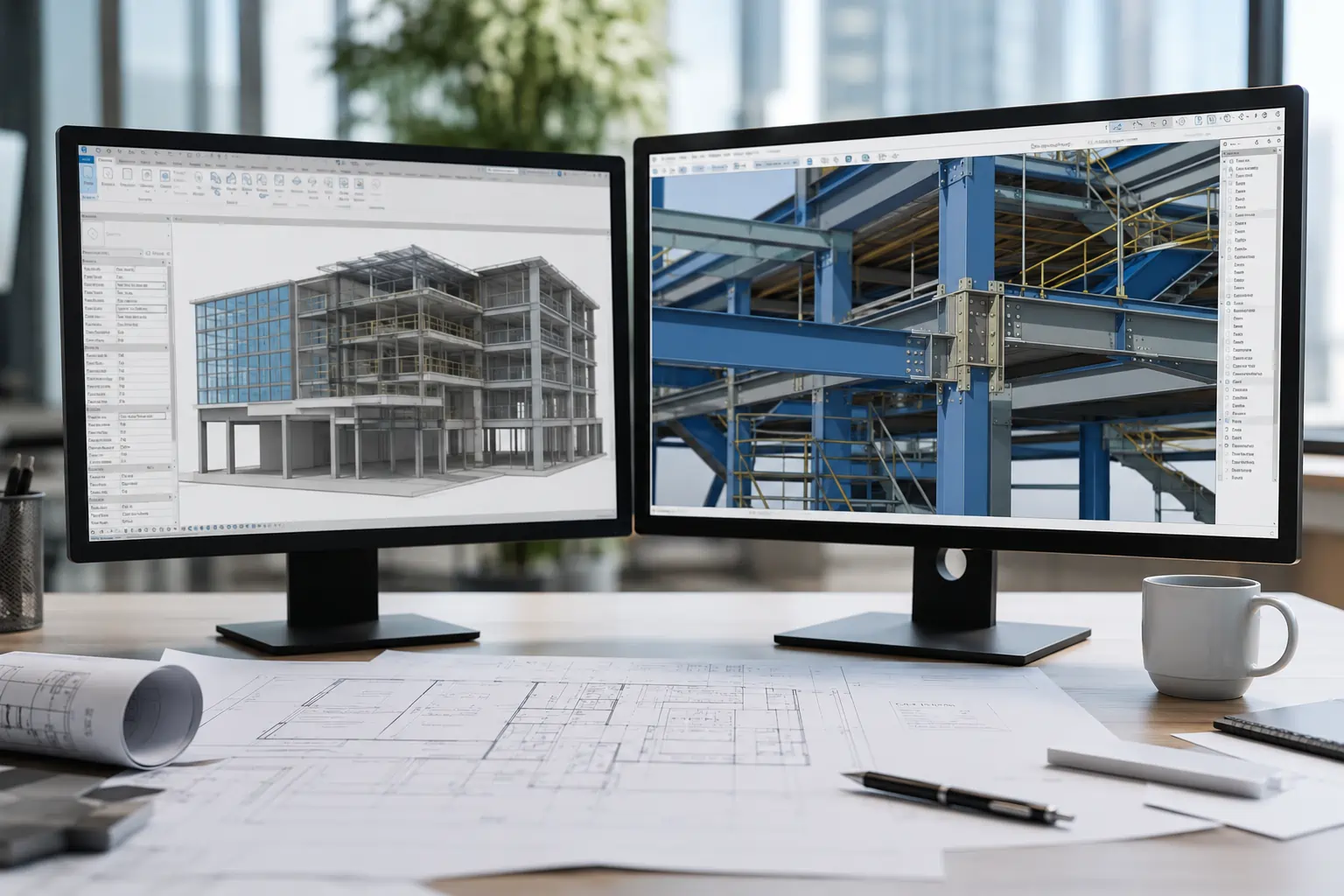
The best CAD software should enhance productivity and bring precision and innovation to your projects. But the world of CAD is vast. Different tools are built for different tasks, and picking the right one can depend on what you’re designing and how you prefer to work.
This guide reviews a selection of the best CAD softwares available. Each one fits different skill levels and project goals, helping you choose based on function, not just name.
Let’s get to it!
Factors to Consider When Choosing CAD Software
There are many factors to consider in the CAD software selection process to ensure the right tool for your needs. Here is a more detailed analysis of what to take into account based on recent industry insights.
1. Expertise Level
If you’re just starting, look for software with an intuitive interface and robust learning resources. Seasoned professionals might prioritize advanced functionalities and customization options.
Consider how cloud-based CAD platforms are changing the game. They highlight the industry’s focus on making design software more accessible and easier to use.
This approach welcomes users of all skill levels to get involved in the design process.
2. Industry Relevance
The sector you operate in greatly influences your CAD software choice. For instance, the manufacturing domain leverages CAD for intricate design and 3D printing, necessitating software that excels in these areas. In healthcare, CAD’s role in creating detailed patient-specific models is invaluable, showing how industry needs can shape software selection.
3. Key Features
Determining the essential features you require—be it 2D drafting, 3D modeling, or simulation capabilities—is crucial. The CAD market is rich with options tailored to various needs, from basic design to complex engineering projects. The feature set should align with your project’s scope and complexity to maximize efficiency and outcomes.
4. Collaboration Capabilities
The trend towards cloud-based solutions is indicative of a broader move towards enhanced collaboration in design and engineering. These platforms facilitate real-time teamwork, sharing, and communication across geographies, which is essential in today’s interconnected work environments.
5. Cost Consideration
Budget constraints are always important. The CAD software spectrum ranges from free versions suitable to more costly professional suites. The investment should correspond with the value it brings to your projects, considering both immediate needs and long-term benefits.
Top CAD Software for All Level Expertise
Choosing the right CAD tool depends on the type of work you do and how experienced you are with digital design. Some platforms are easier to learn, while others provide advanced features for more demanding tasks. The goal is to find a setup that matches your workflow without adding unnecessary complexity.
The list below covers a range of software CAD options suitable for beginners, intermediate users, and professionals alike.
1. AutoCAD
AutoCAD, developed by Autodesk, is one of the most widely used CAD platforms for design, drafting, and modeling tasks across different industries. It is known for precise drawing tools, support for 2D and 3D projects, and broad compatibility with common file formats and external software.
Pros of AutoCAD
AutoCAD program support both 2D and 3D workflows, making them reliable for technical drawings and concept modeling. They also integrate with other Autodesk tools such as Revit, Civil 3D, and Inventor, allowing for consistent use across different project stages. The range of functions makes AutoCAD suitable for architectural plans, engineering layouts, and manufacturing drawings.
Cons of AutoCAD
The software can be difficult to learn, especially for users with no prior CAD experience. Its feature set is extensive, and some areas of the interface take time to get familiar with. For 3D modeling, some users prefer software focused entirely on that process. There are also occasional issues such as hatching errors or problems with draw order that interrupt work sessions.
Pricing of AutoCAD
A monthly subscription to AutoCAD costs around $255. The yearly plan is approximately $2,030, while the three-year option is priced near $6,090. For users working with multiple Autodesk tools, the ‘Collection’ bundle may provide better value over time.
2. SolidWorks
SolidWorks, developed by Dassault Systèmes, is widely used in mechanical engineering and product design. It is also known for its ability to handle detailed 3D modeling and simulation tasks.
Pros of SolidWorks
Among the best 3D CAD software options, SolidWorks is often selected for its clear visualization tools and clash detection capabilities, which are valuable in 3D environments. The ability to update and refine designs with minimal steps supports design accuracy and project control.
Its feature set covers a range of engineering needs, and the simulation tools allow teams to test performance conditions before production begins.
Cons of SolidWorks
SolidWorks can be demanding on hardware, especially with large or complex assemblies. Performance may slow as file size increases. Some users find the interface less intuitive compared to other CAD platforms, which can make the learning process longer.
There are also cases where fixing model errors becomes time-consuming, and system stability may drop when dealing with high-volume assemblies.
Pricing of SolidWorks
SolidWorks offers several licensing plans to match different project needs and company sizes. However, pricing details are not publicly listed. You’ll need to request a quote directly from a SolidWorks representative to get accurate figures.
4. Rhino
Rhino, also known as Rhinoceros 3D, is widely used in architecture, industrial design, and related fields. It is known for giving users the ability to build highly detailed, complex shapes from scratch. The software is especially valued for its freeform modeling, which allows for flexibility in how objects are developed and refined.
Pros of Rhino
Among various 3D CAD programs, Rhino is often chosen for its modeling precision and flexibility across different project types. It supports parametric workflows through Grasshopper, which helps users build smart geometry with logic-based rules. This approach supports both creative and technical projects across multiple industries.
Rhino also works well with other software, which is helpful when collaborating across teams using different platforms.
Cons of Rhino
Some users experience slowdowns when working with complex parametric structures. There are occasional issues with DWG file display, and compatibility with AutoCAD is not always consistent. The learning curve can also be steep for users new to 3D workflows or advanced modeling techniques.
Pricing of Rhino
Rhino 3D is priced at $995 for a single-user license. A student version is available for $195, and there is a 90-day evaluation license for testing before purchase. Licenses are permanent and include support and service updates for the version purchased.
5. SketchUp
SketchUp offers a comprehensive toolset for various 3D modeling needs. It combines user-friendly interfaces with advanced features. This software suits both personal and professional projects. Whether you’re designing for fun or work, SketchUp provides the necessary tools. It enables the realization of ideas in three-dimensional space.
Pros of SketchUp
SketchUp means user-friendliness and intuitive design, making it an excellent choice for quick 3D modeling and visualization tasks. It shines in creating simple layouts and diagrams. It is known for its effective sketching capabilities with measurements and easy renderings.
Many users appreciate SketchUp for its dynamic components, allowing for interactive and parametric modeling and enhancing flexibility in design modifications. The availability of a vast range of extensions and plugins further extends its capabilities, making it adaptable to various needs and enhancing workflow efficiency.
Cons of SketchUp
Some users report encountering bugs that can hamper the software’s performance. Certain features need more depth or customization options, which are found in more advanced CAD solutions.
While SketchUp is fantastic for surface modeling, there may be better options for projects requiring high precision or advanced parametric design capabilities.
Pricing of SketchUp
SketchUp offers a range of pricing plans to accommodate various user needs and budgets.
For SketchUp Studio and for Windows-only, it is available at $749 per year. In this plan, you can get advanced features and additional functionality for a more comprehensive 3D modelling experience. SketchUp Pro, the most popular plan, is available for $349 per year. In addition, SketchUp Go is available for $119 per year as the most affordable plan.
This pricing structure makes SketchUp a versatile option, catering to both casual users and professionals seeking detailed and sophisticated design capabilities.
Interscale Can Help You Choose the Best CAD Software
Tell us your project requirements, business scale, and other details. We will provide the best solution.